40m Fish Finder Underwater Fishing Endoscope Camera 960P Cars Sewer Inspection Borescope Waterproof 3In1 For Usb Android Type-C


40m Fish Finder Underwater Fishing Endoscope Camera 960P Cars Sewer Inspection Borescope Waterproof 3In1 For Usb Android Type-C
SPECIFICATIONS
Brand Name: LMS CAP
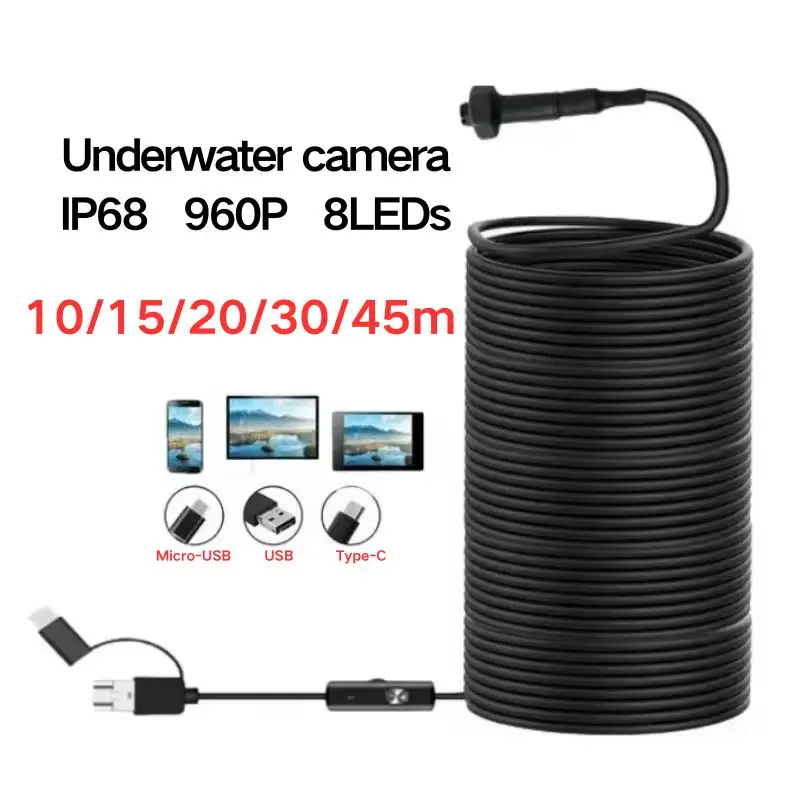
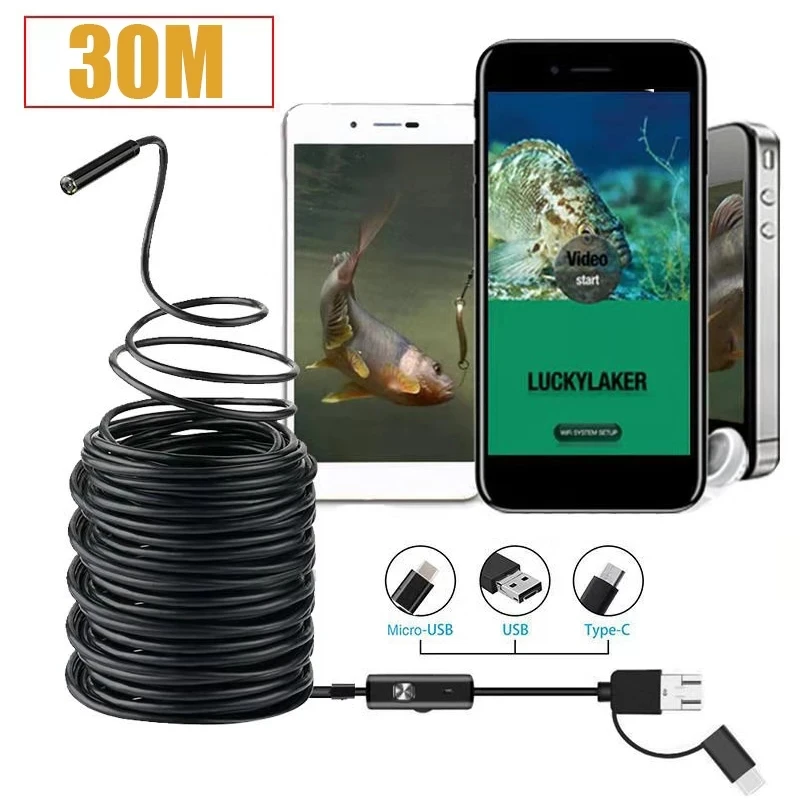
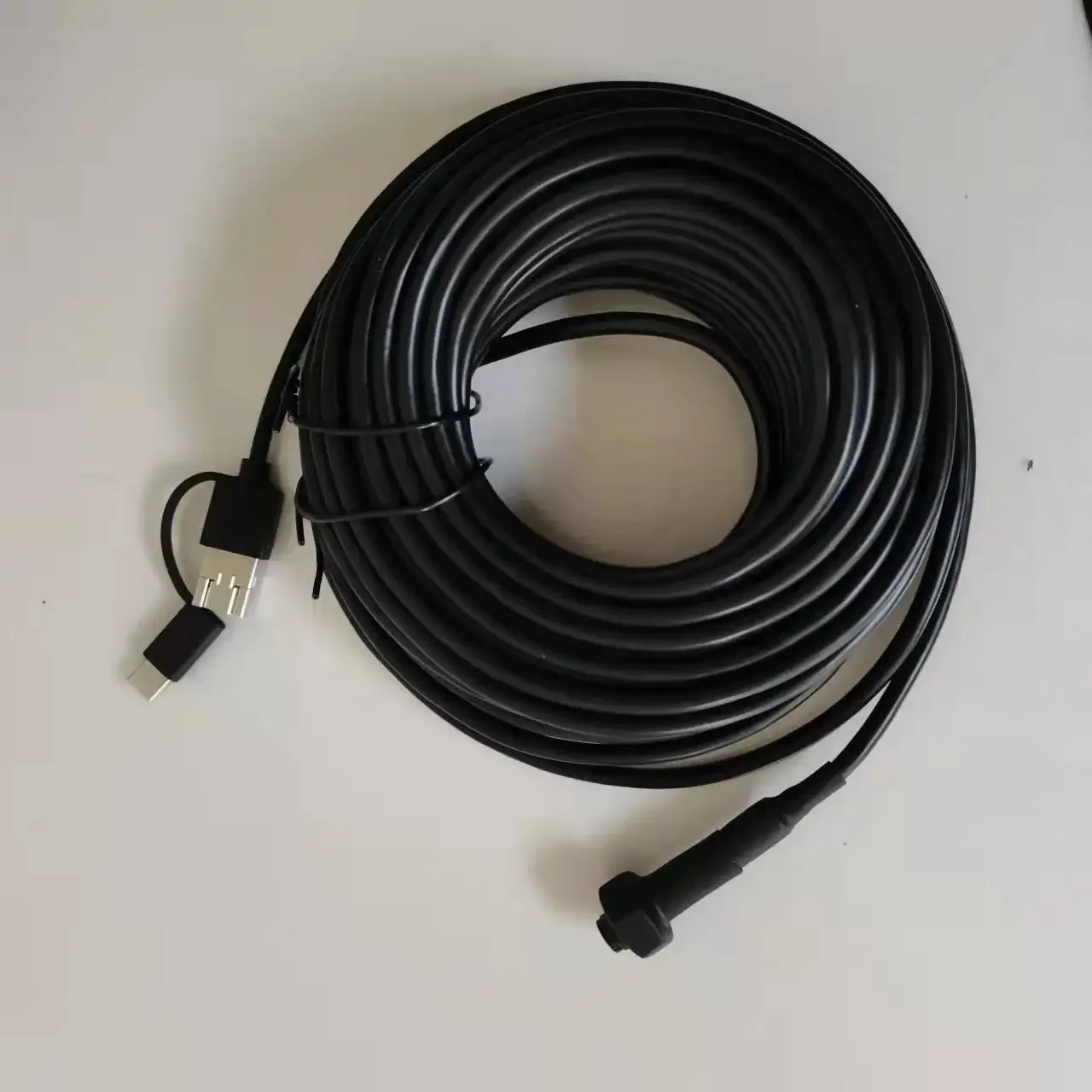
Cable length: 10/15/20/30/40m
Certification: CE,FCC
Focus: 10cm-50m
Function: Android Type-c and PC
High-concerned chemical: none
LED: 8 White LED Bright light
Lens (mm): 8mm
Model Number: LMS-H150
Name: Fish finder endoscope
Origin: Mainland China
Plug Type: CN Plug
Resolution: 960P
Screen Type: NO
Smart home platform: Other
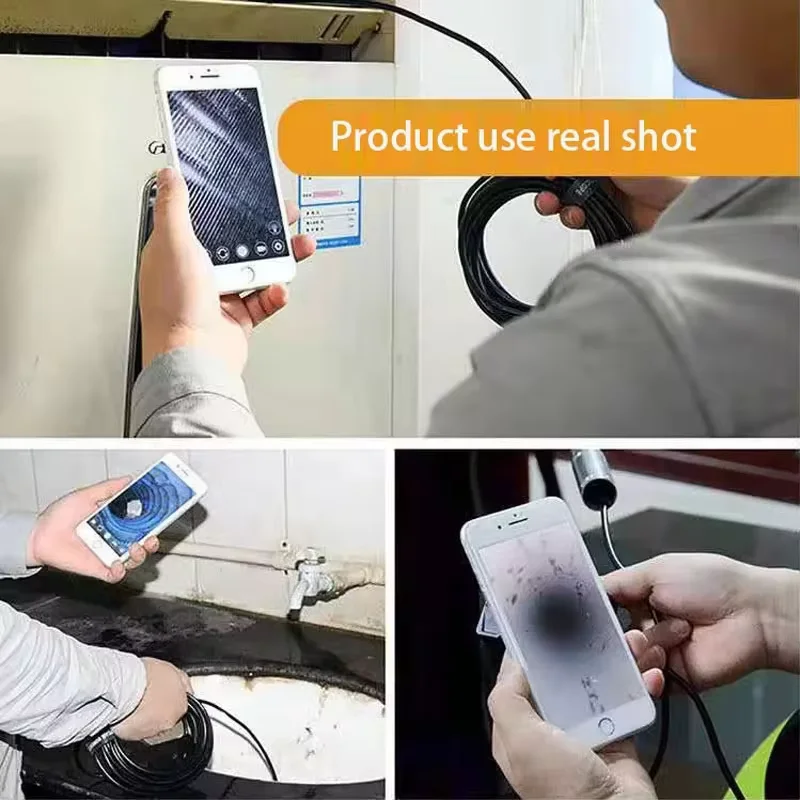
USE: Fish finder/Sewer inspection, etc.
Waterproof: underwater working ok
Wire Type: Soft Wire
40m Fish Finder Underwater Fishing Endoscope Camera 960P Cars Sewer Inspection Borescope Waterproof 3In1 For Usb Android Type-C
Product Advantages :
1. Adjustable LEDs: This inspection camera has 68 adjustable LEDs to enhance image brightness and clarity even in low light or dark conditions. 2.
2. Compatibility: This pipe inspection borescope is equipped with a Type-C connector and comes with Micro USB and IOS adapters that are compatible with 99% of mobile devices on the market.
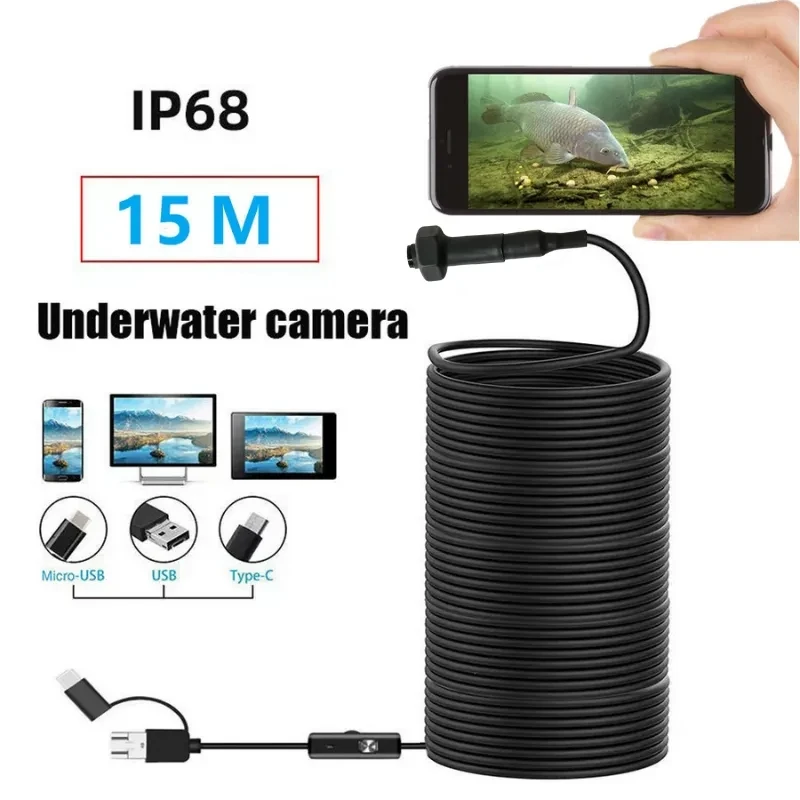
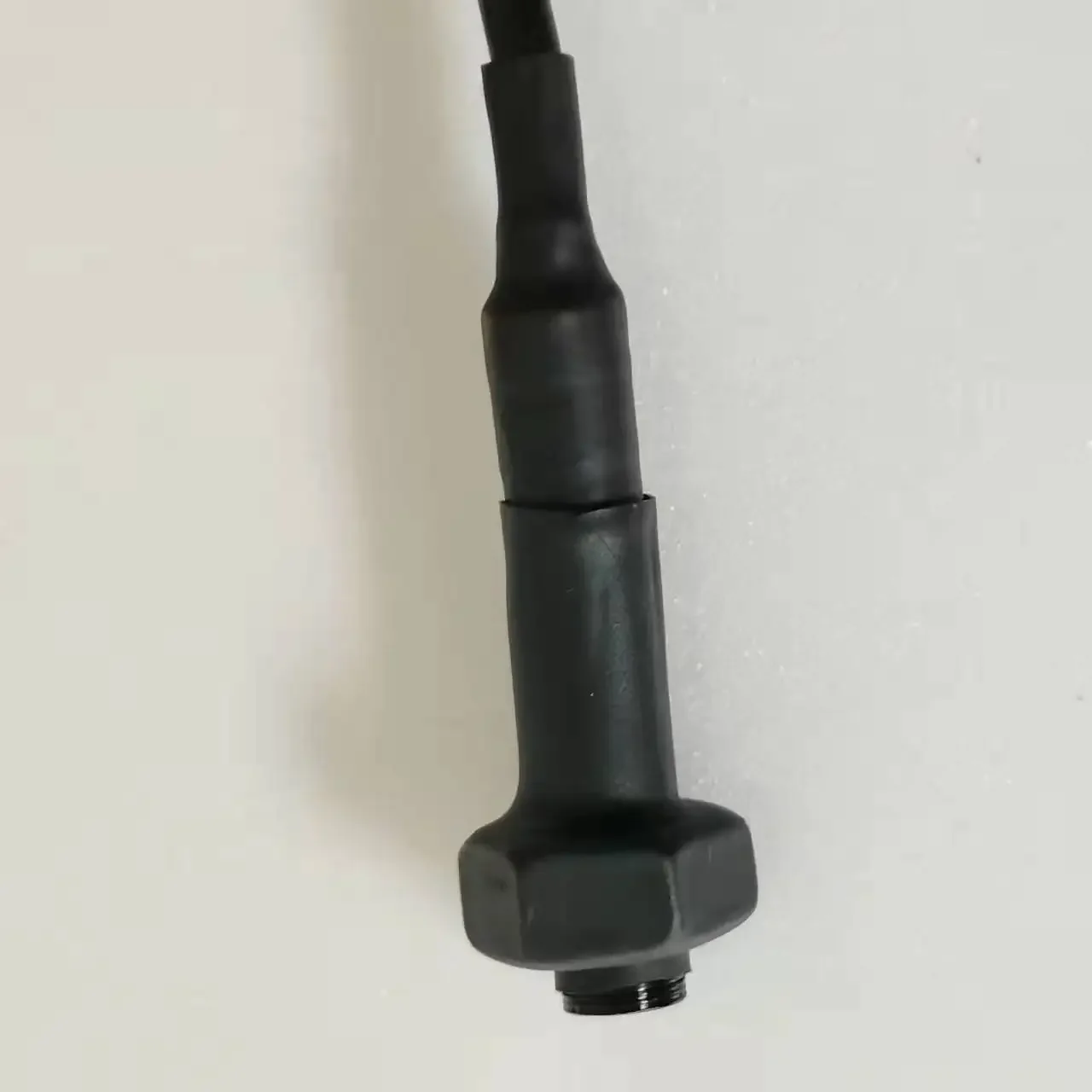
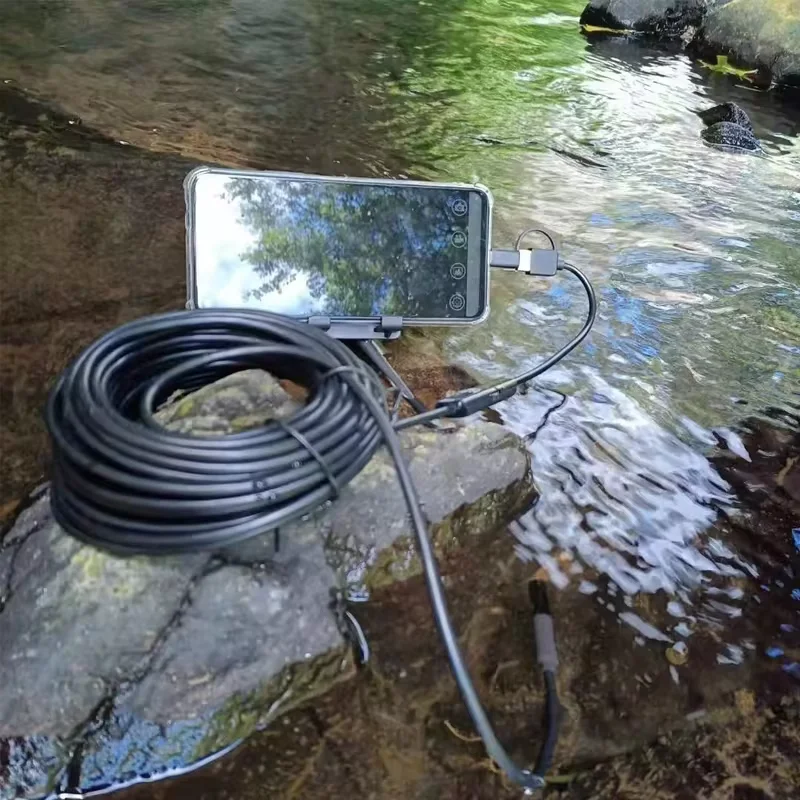
3. DURABLE, IP68 WATERPROOF: This pipe borescope comes with a ruggedized flexible cable and IP68 waterproof rating for working underwater, ensuring resistance to corrosion, abrasion and tearing.
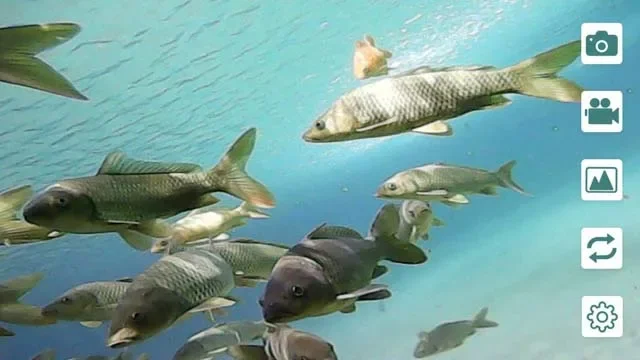
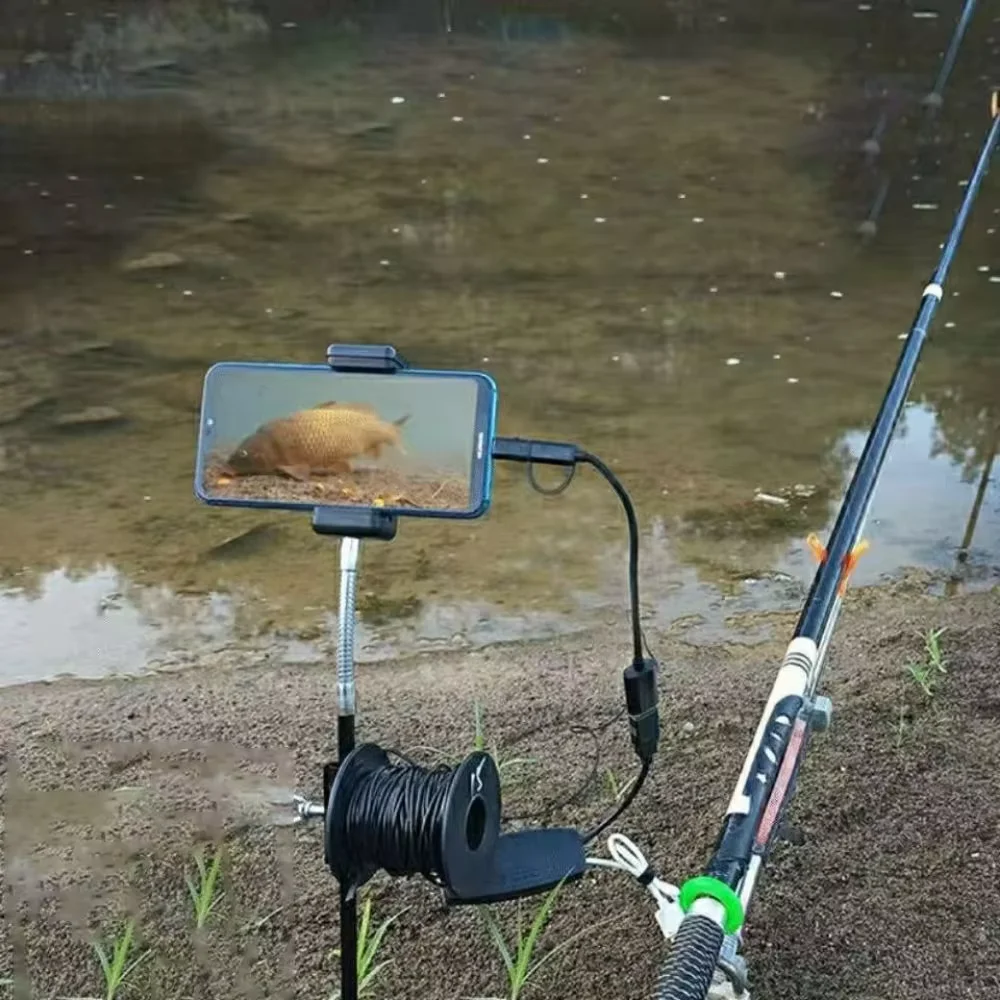
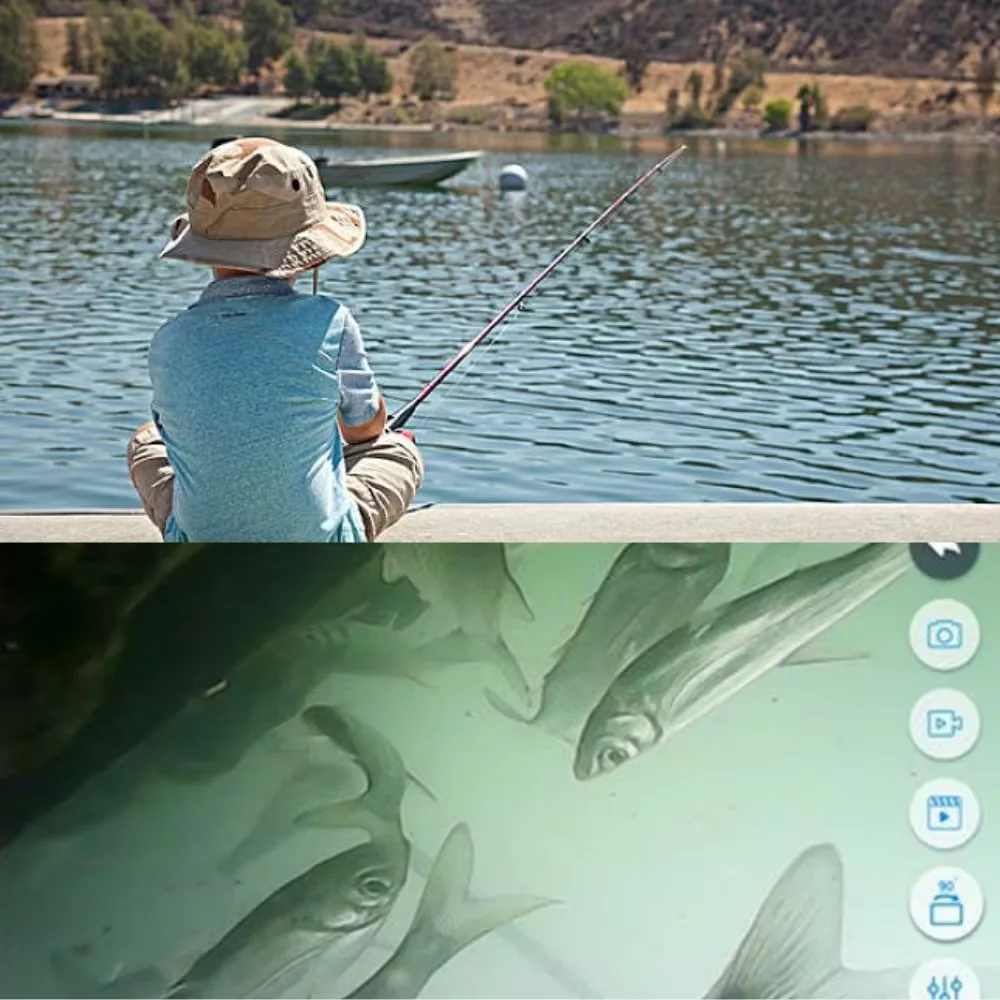
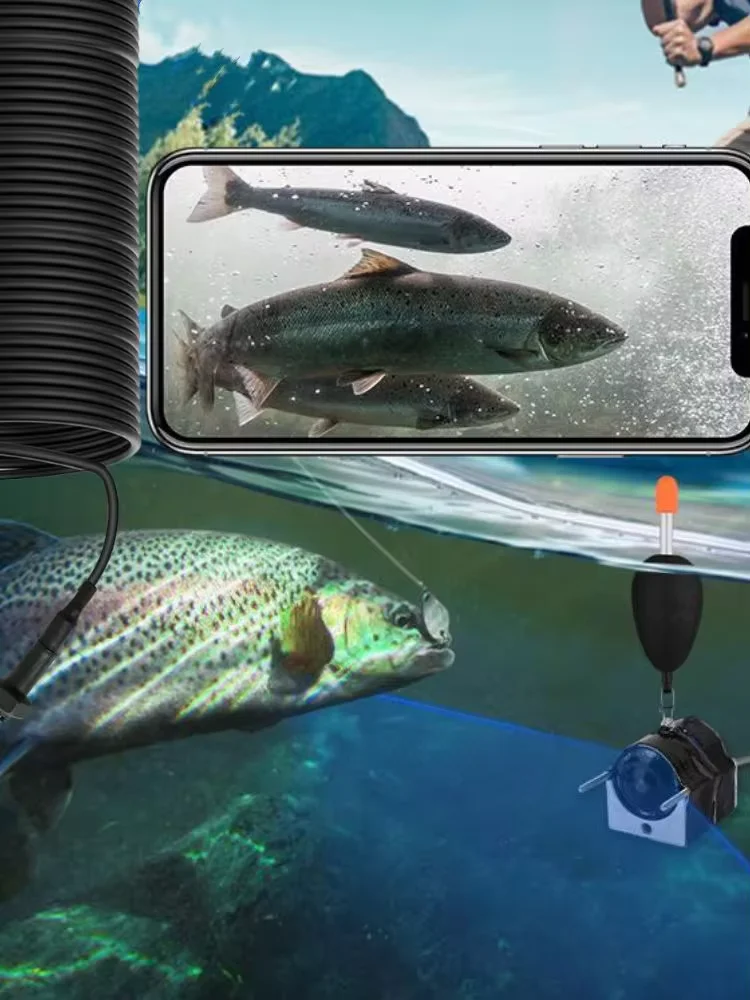
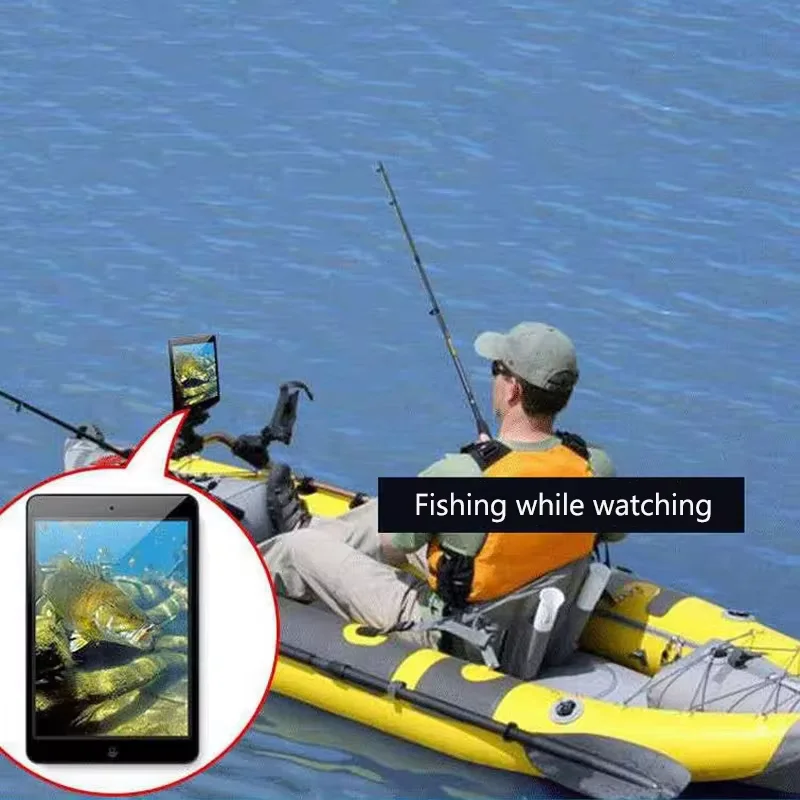
4.Length up to 40m, this fishing borescope cable model has multiple lengths to choose from, up to 40m. convenient to use in fishing.
Product Specifications :
Lens diameter: 8 mm
Resolution :1280*920
Focal length: 10-500 cm
Cable: Flexible
Sensor size:1/9 inch
Frame rate 30fps
Viewing angle: 70 degrees
Lighting- : 8 adjustable LEDs
Operating temperature: 0 degrees to 70 degrees
Light source: 8 adjustable LEDs
Waterproof: IP68 IP68
10M/15M/20M/30M/40M cable length optional
Power supply: 5V
Support PC XP W7 W8 VISTA
Photo format: JPEG
Video format: AVI
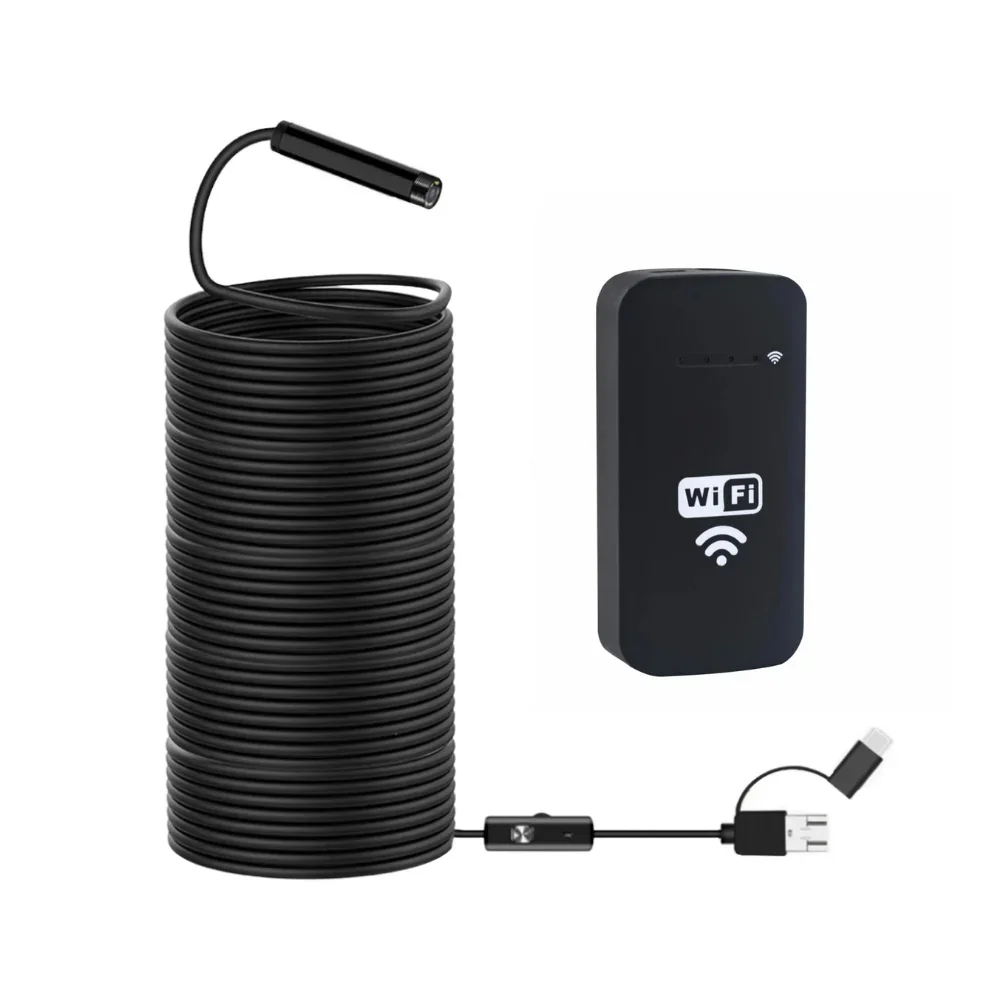
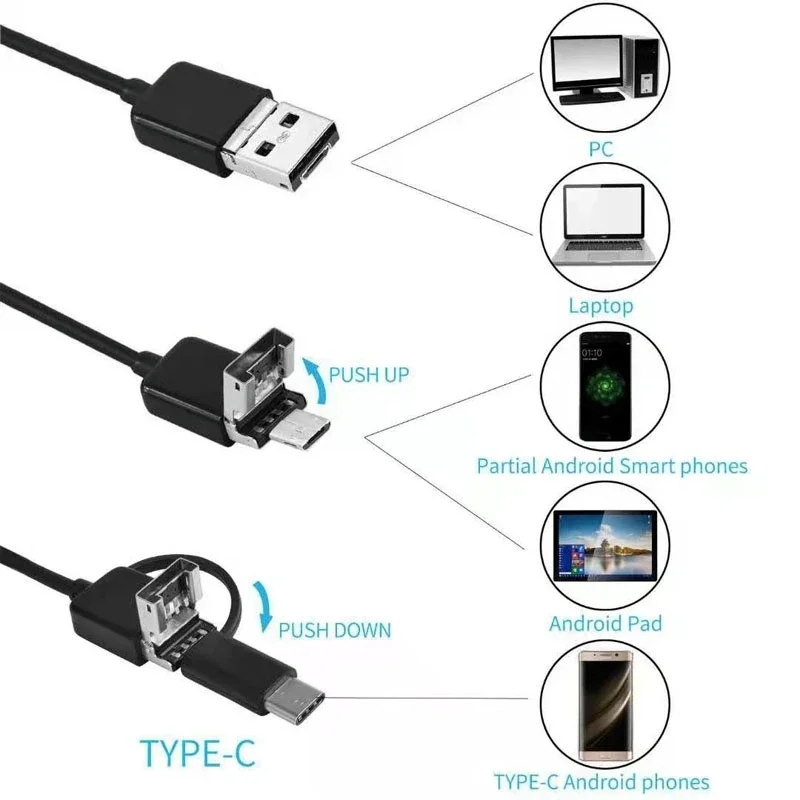
The product has 3 interfaces: USB, Micro-USB, and TYPE-C.
1.TYPE-C interface ---- for Android smartphones
2.Micro-USB interface ---- for Android smartphones
3. USB interface ---- for Windows PC and MAC PCs
How to use?
1 . On Android phone: scan the QR code on the manual to install the APP, or go to the download link to install the APP, then an icon will appear on the desktop of your phone, click the icon and the product is ready to use.
2 . On IOS system : Connect the product with the wifi box. Open the wifi box, then go to your cell phone to connect to the wifi box, wifi name: wifi check, after connecting, the camera indicator light will be on, , enter the application, display pictures and videos.
3 . Use on computer: first install the software on your computer (download it from the internet), then open the software and plug the camera into your computer, the driver will be installed on your computer automatically. After that you can use this camera on your computer through the software.